
19
Cart Items
-
 Baby Bathing Combo
1x
$30.00
Baby Bathing Combo
1x
$30.00
-
Class
1x
$850.00
-
Class
1x
$850.00
-
Class
1x
$850.00
-
Barcelona
1x
$1,129.76
-
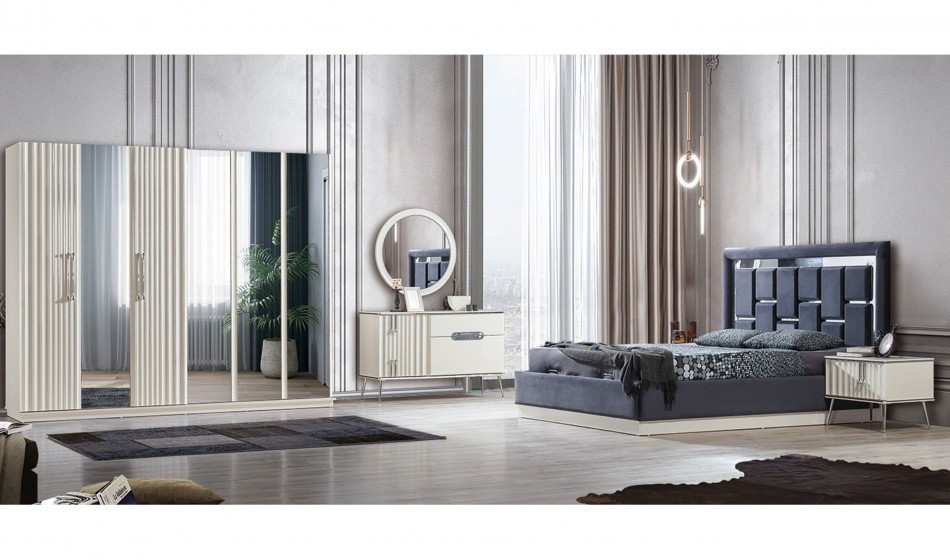
Soft Köşe Koltuk Takımı
1x
$1,089.88
-
Soft Köşe Koltuk Takımı
1x
$1,089.88
-
Funda
1x
$1,207.55
-
Luna
1x
$1,400.00
-
Saffina
1x
$37.00
-
Saffina
2x
$35.00
-
Saffina
1x
$25.00
-
Saffina
1x
$70.00
-
Saffina
1x
$70.00
-
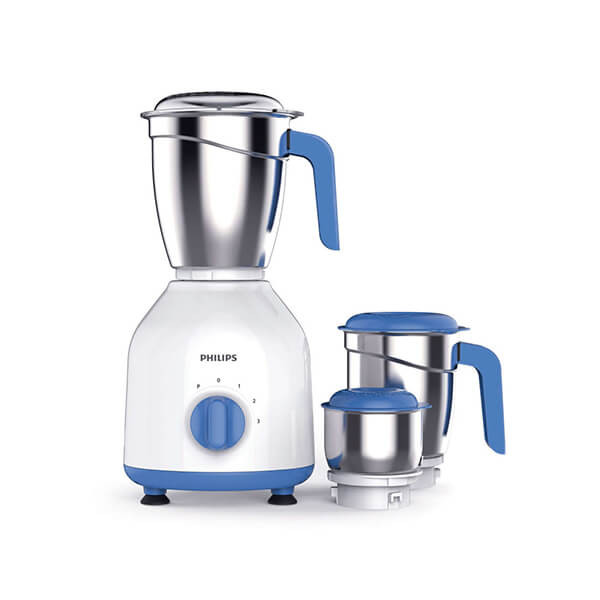
Philips Mixer Grinder HL7555/00
1x
$156.00
-
Saffina
1x
$28.00
-
Saffina
1x
$35.00
-
Saffina
1x
$35.00
-
Saffina
1x
$39.00







Subtotal
$9,062.07










Seller Shop & Profile Setting
Seller
This tutorial will teach you how to update your account settings and what is important in the account settings.
In the left side bar click on the manage profile option to go to the account settings.
In the basic info form, you have to enter the personal information details or you can change the password as well and update the profile information and can also subscribe to the newsletters.
In the payment form, you have to enter the payment details and save the information.
The payment details will be used for clearing your payout requests submitted.
Remember the payouts are based on withdrawing the wallet amount.
The address form is used for adding your addresses.
The email change form is used for sending email change requests upon approval it will be changed.
Recent Blogs

"Unleashing Global Commerce: Connecting Businesses, Empowering Dreams."
Contact Info
-
HAWIBA LTD,
Adnan Kahveci Mh. Kurtuluş Cd. C Blok No:5/C İç Kapı No:51 Beylikdüzü/İSTANBUL/TURKEY - +90 534 350 08 76
- info@hawiba.com