
19
Cart Items
-
 Baby Bathing Combo
1x
$30.00
Baby Bathing Combo
1x
$30.00
-
Class
1x
$850.00
-
Class
1x
$850.00
-
Class
1x
$850.00
-
Barcelona
1x
$1,129.76
-
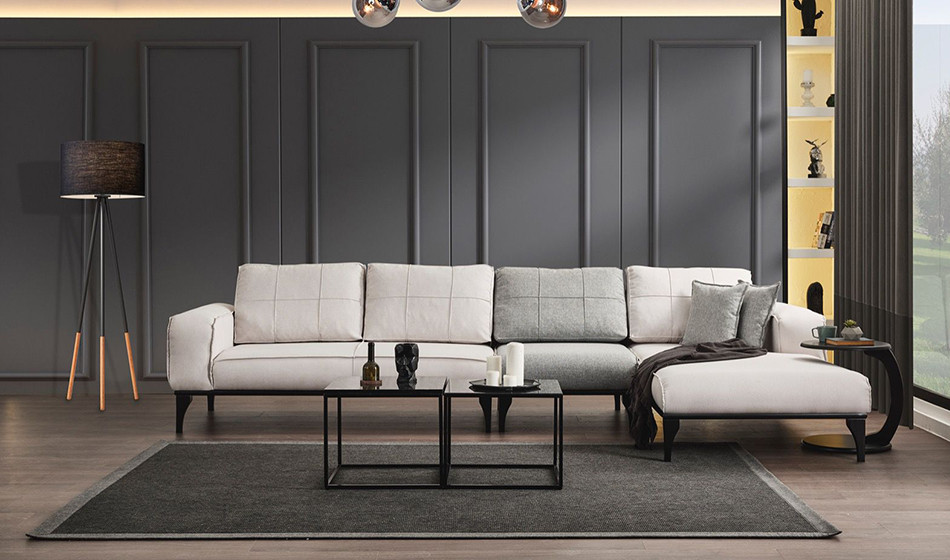
Soft Köşe Koltuk Takımı
1x
$1,089.88
-
Soft Köşe Koltuk Takımı
1x
$1,089.88
-
Funda
1x
$1,207.55
-
Luna
1x
$1,400.00
-
Saffina
1x
$37.00
-
Saffina
2x
$35.00
-
Saffina
1x
$25.00
-
Saffina
1x
$70.00
-
Saffina
1x
$70.00
-
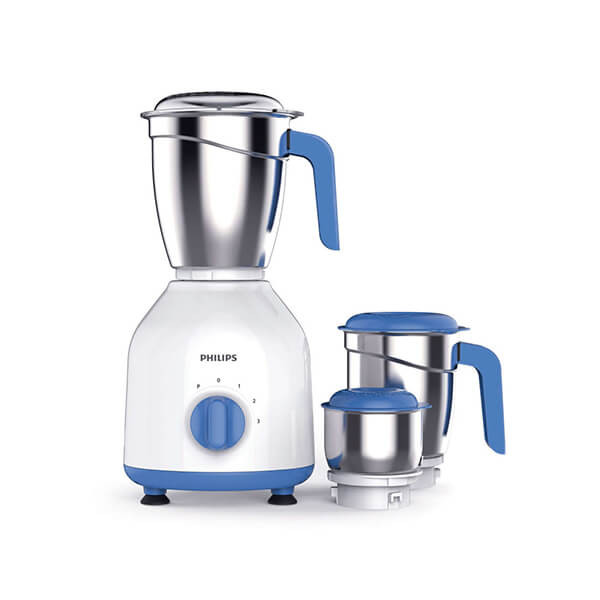
Philips Mixer Grinder HL7555/00
1x
$156.00
-
Saffina
1x
$28.00
-
Saffina
1x
$35.00
-
Saffina
1x
$35.00
-
Saffina
1x
$39.00









Subtotal
$9,062.07










Seller Package Subscription
Seller
This tutorial will teach you how to subscribe to the seller packages and how the packages will work.
After successful registration and verification of email and account, the seller can subscribe to the seller packages and start adding their products and selling the products.
In the profile left side bar click on the Products tab and click on Upgrade packages where you will be able to see the packages and subscribe to the package you like.
The free package has a limit of a maximum of 15 product uploads and no advertisement usage of your products.
The premium package has unlimited products upload and a 15-product advertisement usage limit.
Advertisement is the feature that will make your product advertised on the website randomly in the banners and in the area of the advertisement.
Subscribe and pay the amount, after successful payment, you will be able to add your products as per the package limit.
Recent Blogs

"Unleashing Global Commerce: Connecting Businesses, Empowering Dreams."
Contact Info
-
HAWIBA LTD,
Adnan Kahveci Mh. Kurtuluş Cd. C Blok No:5/C İç Kapı No:51 Beylikdüzü/İSTANBUL/TURKEY - +90 534 350 08 76
- info@hawiba.com