
19
Cart Items
-
 Baby Bathing Combo
1x
$30.00
Baby Bathing Combo
1x
$30.00
-
Class
1x
$850.00
-
Class
1x
$850.00
-
Class
1x
$850.00
-
Barcelona
1x
$1,129.76
-
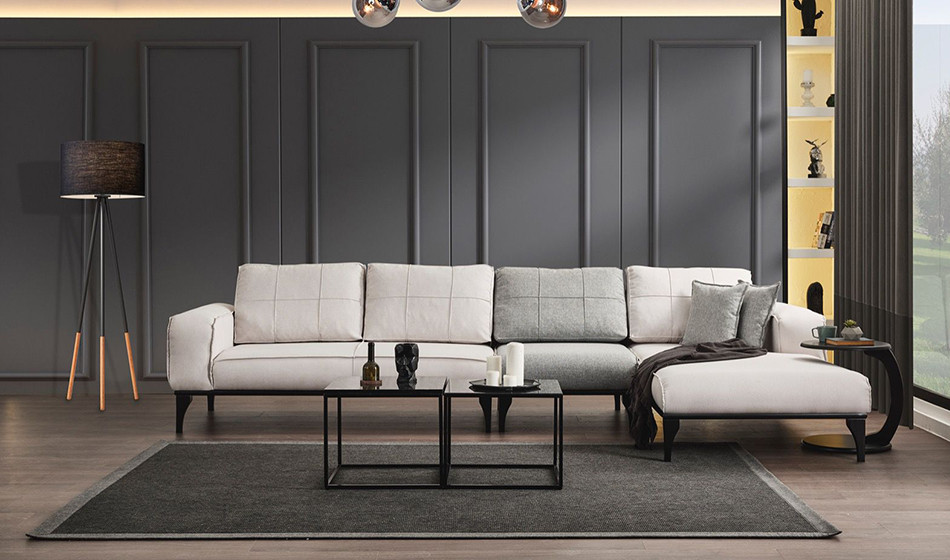
Soft Köşe Koltuk Takımı
1x
$1,089.88
-
Soft Köşe Koltuk Takımı
1x
$1,089.88
-
Funda
1x
$1,207.55
-
Luna
1x
$1,400.00
-
Saffina
1x
$37.00
-
Saffina
2x
$35.00
-
Saffina
1x
$25.00
-
Saffina
1x
$70.00
-
Saffina
1x
$70.00
-
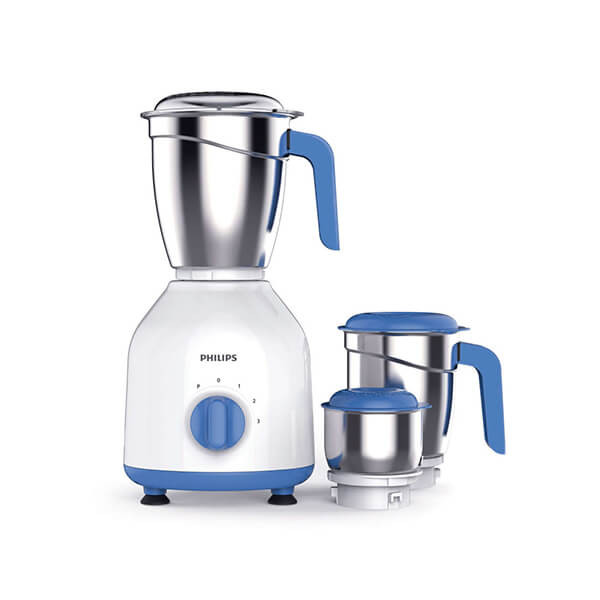
Philips Mixer Grinder HL7555/00
1x
$156.00
-
Saffina
1x
$28.00
-
Saffina
1x
$35.00
-
Saffina
1x
$35.00
-
Saffina
1x
$39.00











Subtotal
$9,062.07










Seller Add Product
Seller
This tutorial will teach you how to add a product and will explain further different sections of the product.
the product information section is about the product's basic details, in this section refundable field is about whether the product is refundable if yes then fill out the total refundable days in which the product can be refunded.
The overseas shipment section is about that where the product can be shipped to, select all the countries where you are going to ship the product. Remember that your own country is automatically set when you add the product.
The shipping configuration section is about setting up the free shipping the estimated number of free shipping days and charging the user for per quantity shipping charges or not.
The standard and express shipping sections are about the shipping services their charges and estimated delivery days.
The product images section is about adding the thumbnail image and gallery images of different angles of the product.
The product videos section is about adding promotional videos of the product from different 3rd party platforms.
The product variation section is about the different product variations you can choose as many as variations you have.
The product price and stock are to set up the stock, price, discount, and discount from and to date of the product, and also to set up the different variations of stock and prices.
The advertisement section is setting up the advertisement for the product in the different advertisement areas on the website, the banner, and other advertisement areas.
Fill and setup the product details accordingly.
Recent Blogs

"Unleashing Global Commerce: Connecting Businesses, Empowering Dreams."
Contact Info
-
HAWIBA LTD,
Adnan Kahveci Mh. Kurtuluş Cd. C Blok No:5/C İç Kapı No:51 Beylikdüzü/İSTANBUL/TURKEY - +90 534 350 08 76
- info@hawiba.com